







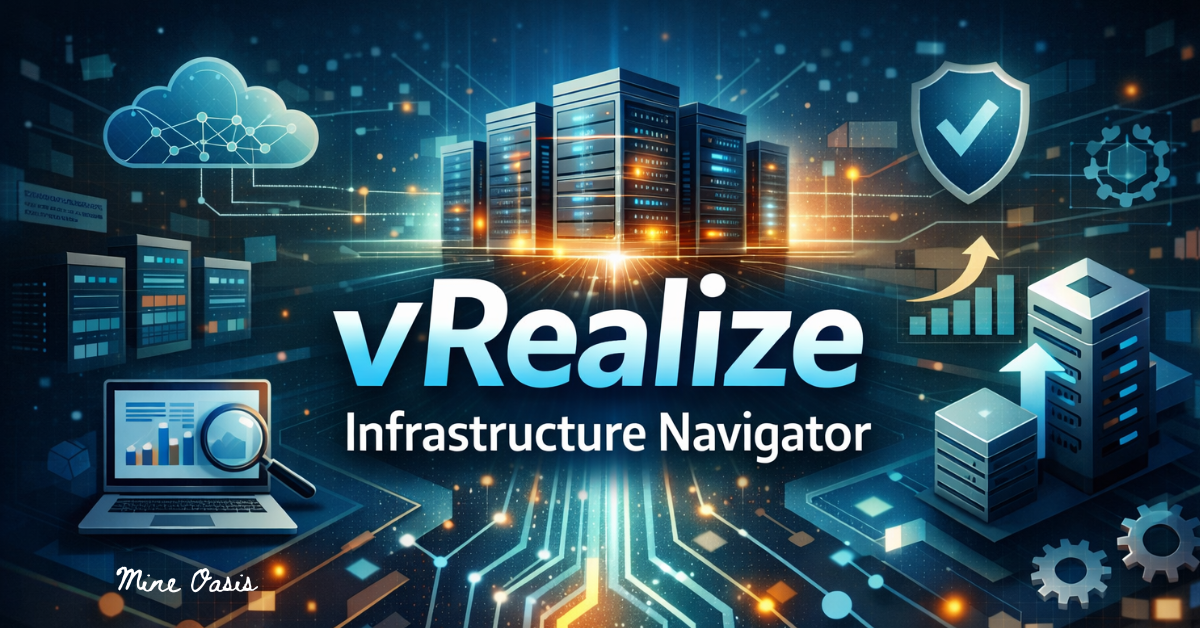
Feeling lost in the murky depths of IT infrastructure is a common experience. Having a trustworthy compass to lead you through the maze of accessible tools and platforms is crucial. Here we have vRealize Infrastructure Navigator, a robust solution that aims to streamline the administration of your virtual environment. You can see your infrastructure in all its glory and get a bird’s-eye view of its performance and dependencies using this handy application.
Mastering vRealize Infrastructure Navigator is essential for improving operations and boosting productivity, regardless of your virtualization experience level. All set to jump in? Come with me as I show you the features of this cutting-edge instrument!
Understanding vRealize Infrastructure Navigator Tools
With the help of the vRealize Infrastructure Navigator Tools, you can see the big picture of your virtual world. Virtual machines, hosts, and networks are just a few of the components that may be seen in this way.
The ability to monitor in real-time using these technologies allows for the rapid identification of performance bottlenecks. Complex infrastructures may be easily navigated using an intuitive UI.
Its dependency mapping capabilities is one notable feature. It shows the interplay between various parts of the IT environment. Making judgments regarding allocating resources or resolving situations requires this understanding.
Furthermore, vRealize Infrastructure Navigator is compatible with all of VMware’s other offerings. This improves performance without sacrificing platform-specific uniformity.
If you want to boost management efficiency and lower operational risks in your data center strategy, you need to master these techniques. While each tool is useful in its own right, when combined they provide a comprehensive perspective of the infrastructure that may help in making good decisions.
Benefits of Using vRealize Infrastructure Navigator
If your company is looking to simplify its IT infrastructure, vRealize Infrastructure Navigator is a great choice. The ability to show how resources are being used in real-time is one of its notable characteristics. Because of this openness, teams may swiftly make decisions based on accurate information.
Improvements in performance tracking are yet another major perk. Users are able to locate bottlenecks and optimize workloads effectively by monitoring programs and their dependencies. This preventative method guarantees improved service delivery with less downtime.
Scalability is also a key advantage. Without sacrificing speed or reliability, vRealize Infrastructure Navigator effortlessly adjusts to accommodate complex environments as enterprises expand.
In addition to streamlining compliance management, this application also provides in-depth information about environment setups and modifications. System audits may be conducted with ease by teams, guaranteeing compliance with regulations while preserving operational efficiency.
When all parties involved have efficient access to the shared data, collaboration becomes much simpler. Compared to more conventional approaches, increased communication allows for smoother cross-departmental decision-making.
How to Get Started with vRealize Infrastructure Navigator
The vRealize Infrastructure Navigator setup process is simple. Before you install anything, check that your environment is suitable. Having enough physical resources and a suitable version of VMware vSphere are usually required for this.
The next step is to visit VMware’s website and download the vRealize Infrastructure Navigator package. Deploying it in your virtual environment is as simple as following the steps given. To make setup easy and quick, the installation wizard will walk you through each step.
Launch the program from its online interface when installation is complete. Get to know its primary features and how to use the dashboard. You can optimize your efficiency later on by exploring these features early on.
Make sure to tailor the data collecting settings to meet your requirements. By modifying these settings, you may have a better understanding of how your infrastructure is performing.
Always keep in mind that documentation is there to help you at any point in case you need further information or problems.
Advanced Tips and Tricks for Efficient Usage
Make sure you know your way around the vRealize Infrastructure Navigator dashboard for the best possible experience. You may improve your visibility into the most important infrastructure components by customizing your views.
Make good use of tags. Searches are made easier and the environment is made more organized when resources are categorized. When traversing intricate systems, this simple action saves time.
Learn more about performance indicators and resource use patterns with the help of the reporting features. Keep stakeholders updated without the need for human labor by scheduling frequent reports.
Try out several ways that vRealize Infrastructure Navigator may be integrated. Integrating it with other VMware products can make management easier and provide you access to more in-depth insights.
Keep yourself informed on the latest vRealize Infrastructure Navigator-related training resources and community forums. Sharing ideas with other users of the program usually results in unofficially recorded but very effective uses of the technology.
Troubleshooting Common Issues with vRealize Infrastructure Navigator
There may be unforeseen difficulties that arise when using vRealize Infrastructure Navigator. First things first when problems arise: make sure you’re connected. Verify that your network settings are set up appropriately and that all components are linked correctly.
Delays in performance are another typical issue. Think about how you might better distribute resources across your virtual machines if the tool is being sluggish or unresponsive. For optimal performance, it is critical to allocate sufficient CPU and RAM.
Additional issues with licensing might develop. Make sure your licensing keys are active and entered correctly in the system preferences.
Rescan your infrastructure environment if data isn’t showing up as expected. Fixing visibility issues and properly pulling in new information can sometimes be as easy as a simple refresh.
Whenever you see an error message, don’t hesitate to look it up in VMware’s documentation or ask around on community forums for more specific advice.
Future Developments and Updates for vRealize Infrastructure Navigator
Even vRealize Infrastructure Navigator adapts to the ever-changing world of cloud administration. Upcoming upgrades aim to improve the program’s compatibility with other VMware products, which should make cross-platform operations easier.
Additionally, better AI capabilities are just around the corner. Improved analytics that may foretell infrastructure requirements by analyzing trends in real-time data are on the horizon.
We also anticipate enhancements to the user interface. Both first-time and long-time users will find the improved design to be more user-friendly.
In addition, the input of the community will be essential in determining the direction of these changes. VMware plans to aggressively involve its user base in improving features that are actually important.
We are still very focused on improving the security. Protecting your virtual environments will get more sophisticated as cyber threats change.
Conclusion
IT pros that want more control over their data centers should have vRealize Infrastructure Navigator. With its help, you can see the big picture of your infrastructure, which simplifies resource optimization and boosts performance. Significant operational economies may be achieved by learning vRealize Infrastructure Navigator, thanks to its user-friendly design and robust functionality.
Keep in mind how critical it is to learn how this tool works as you go into it. The advantages are obvious: with more information about your surroundings, you can make better decisions and save time. While the initial steps may appear overwhelming, you will soon become proficient in handling the intricacies with ease if you follow the correct strategy and receive adequate instruction.
Get the most out of your experience with advanced suggestions, and keep things running smoothly by fixing common difficulties. You can keep your skills sharp by staying current with the latest improvements in vRealize Infrastructure Navigator.
By utilizing this powerful technology, enterprises may get effective control over their virtualized environments. When used to its maximum capacity, it can revolutionize and expand IT systems in all kinds of businesses.
Read More: Utanmazkızlat Viral Content & Trend You Can’t Miss