









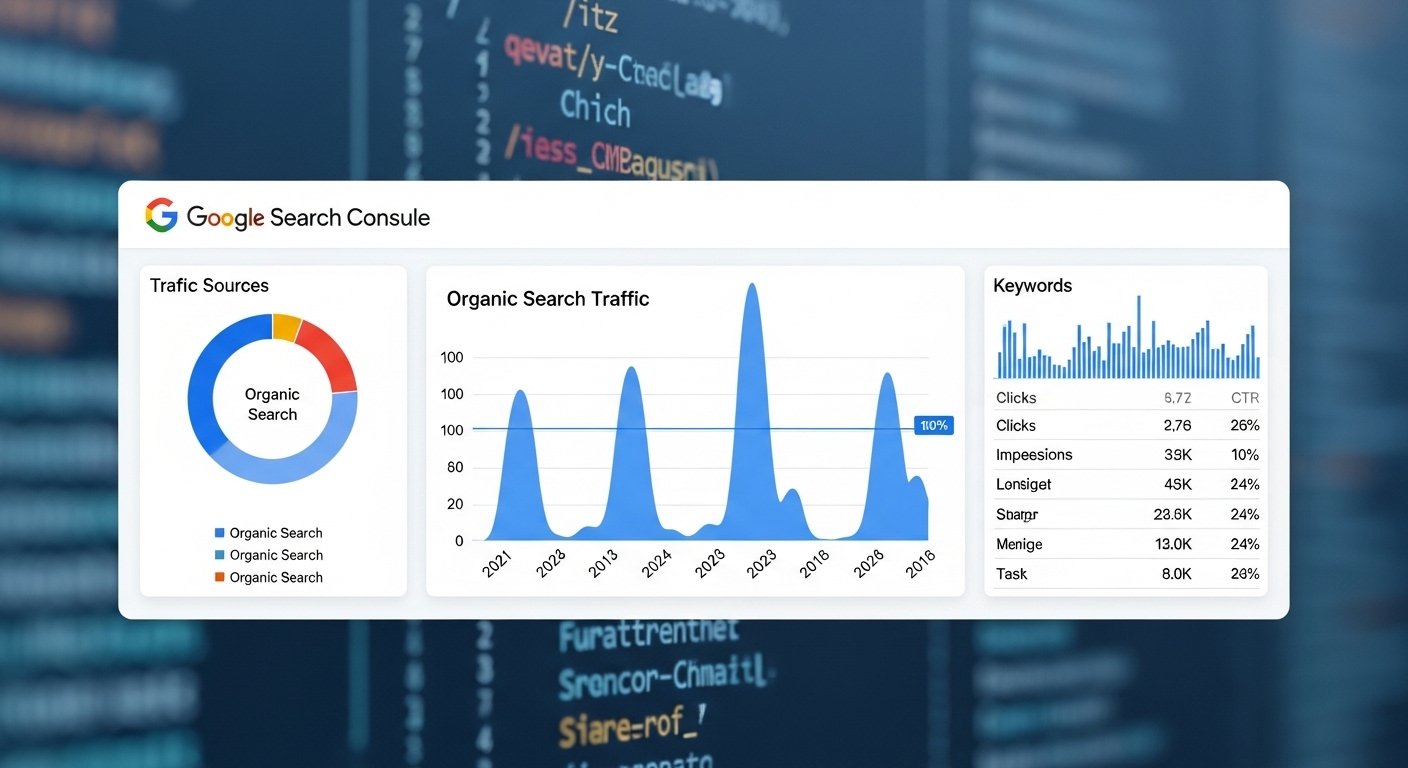
Evaluating SEO performance is essential for measuring visibility, understanding user behaviour, and planning long-term Search Engine Optimisation strategies. Google Search Console remains one of the most accessible and comprehensive tools for this purpose. Whether you operate a business in Singapore or manage global audiences, Search Console provides real-world data that helps you identify strengths, weaknesses, and opportunities for improvement.
For digital marketing agencies offering Search Engine Optimization Services, the Search Console platform plays a central role in performance monitoring, reporting, and strategic refinement. This guide explains how to use its features to evaluate SEO performance effectively.
Why Search Console Matters for SEO
Search Console gives you insights that no other SEO tool can replicate, as the data comes directly from Google. It shows how your website is performing in search results, how users interact with your content, and whether technical issues are affecting visibility.
Key benefits include:
- Understanding how your pages appear in Google Search
- Identifying search queries that bring users to your site
- Measuring organic traffic performance
- Detecting technical issues such as indexing errors
- Monitoring keyword movement and page-level visibility
- Reviewing click-through rates and impression trends
These insights allow an SEO agency or in-house team to make informed decisions and continuously refine optimisation efforts.
1. Start with the Search Performance Report
The Performance report is where most evaluations begin. It provides essential metrics that help you understand organic visibility and user engagement.
Key Metrics to Review
Clicks
Shows how many users visited your website from search results. A drop may signal a decline in rankings or search demand.
Impressions
Reflects how often your pages appeared in search results. Rising impressions suggest growing visibility, even if clicks have not yet increased.
Click-Through Rate (CTR)
CTR reveals how compelling your search appearance is. A low CTR may indicate that meta titles or descriptions are not aligned with user intent.
Average Position
This metric helps you track keyword and page-level rankings. While not precise for every query, it is useful for trend analysis.
By reviewing these metrics together, you gain a clearer picture of how your SEO strategy is performing and where adjustments may be beneficial.
2. Evaluate Top Pages and Queries
Search Console allows you to filter your data to identify which pages or queries contribute most to your visibility. This helps prioritise efforts and highlight opportunities.
Top Pages
Identify:
- Pages attracting the most clicks
- Pages gaining impressions but not securing clicks
- Pages positioned just outside page 1
These insights guide content updates, link-building support, or further optimisation.
Top Queries
Reviewing top search queries shows how users discover your website. This can help refine keyword targeting, content structure, and internal linking. It also highlights long-tail keywords that may not yet have been fully optimised.
For businesses using Search Engine Optimisation services, these insights support data-driven planning and demonstrate where strategic improvements can have the greatest impact.
3. Assess Country and Device Performance
Search Console provides filters to evaluate performance by country and device. This is particularly helpful for organisations based in Singapore but serving audiences internationally.
Country Data
You may find that certain queries perform better in specific regions. This insight can help localise landing pages or tailor content to regional demand.
Device Data
Desktop and mobile performance often differs. If mobile CTR or rankings are lower, this may indicate:
- Slower mobile loading times
- Poor mobile layout
- Issues with accessibility
Evaluating performance by device supports better technical optimisation and helps improve user experience across all touchpoints.
4. Review Indexing and Coverage Issues
Technical health is one of the foundations of strong SEO. Search Console’s Coverage and Page Indexing reports help detect issues that may prevent pages from appearing in search results.
Common issues include:
- Pages blocked by robots.txt
- Redirect errors
- Server errors
- Duplicate content issues
- Unindexed pages due to soft 404 errors
- Mobile usability issues
Addressing these issues ensures that your content can be properly crawled and indexed, which supports overall visibility.
5. Monitor Enhancements and Structured Data
If your website uses structured data, Search Console’s Enhancements section provides insights into potential errors or warnings.
Enhancement categories may include:
- Breadcrumbs
- FAQs
- Schema markup
- Mobile usability
- Core Web Vitals performance
Reviewing this section helps ensure that your structured data works correctly and your website remains aligned with modern Search Engine Optimization practices.
6. Track Core Web Vitals for User Experience
Search Console provides detailed Core Web Vitals data, which assesses:
- Loading performance (LCP)
- Interactivity (INP)
- Visual stability (CLS)
Poor Core Web Vitals can affect rankings and user engagement. If issues appear in the report, consider optimising images, improving server response times, or adjusting layout shifts.
For SEO agency teams, presenting Core Web Vitals data during reporting helps demonstrate the relationship between technical performance and visibility.
7. Use the URL Inspection Tool for Diagnostics
The URL Inspection Tool is a real-time diagnostic feature. It lets you:
- Check whether a page is indexed
- Review any crawl or rendering issues
- Test structured data
- Request indexing after updates
This tool is especially helpful after publishing new content or refreshing existing pages.
8. Set Up Alerts for Continuous Monitoring
Search Console can send notifications when it detects issues such as indexing problems, manual actions, or spikes in errors. These alerts allow SEO teams to react quickly and maintain smooth website performance.
Conclusion
Google Search Console is one of the most valuable tools for evaluating SEO performance. Whether you manage a local business in Singapore or support global audiences, Search Console provides direct insights into how your content performs in search. By reviewing performance metrics, identifying top queries, addressing technical issues, and monitoring Core Web Vitals, businesses can make informed decisions to strengthen their Search Engine Optimization strategy.
For organisations seeking more structured guidance, partnering with an SEO agency offering Search Engine Optimization Services can help interpret Search Console data effectively while implementing targeted improvements.